-
Login to https://www.siteground.com/
-
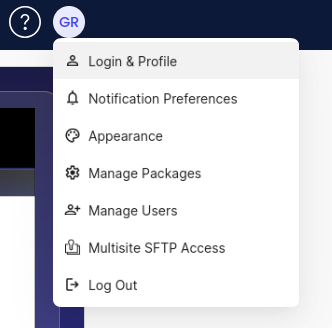
Click your avatar in the top right of the screen.
-
Select 'Login & Profile'
-
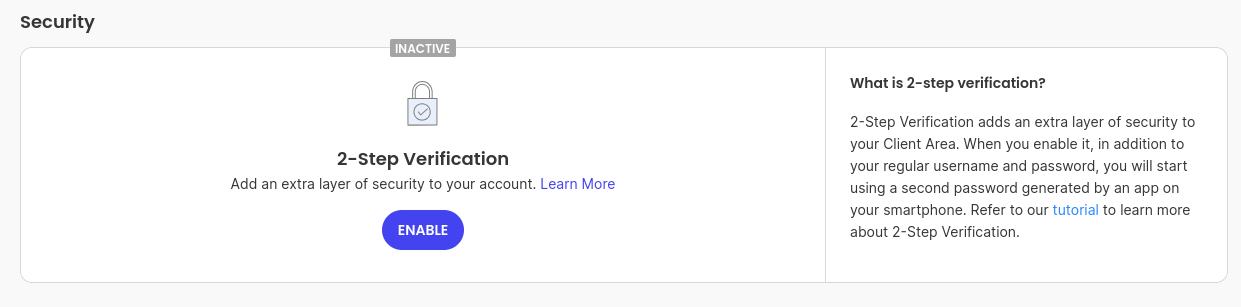
Locate the Security section on the page.
-
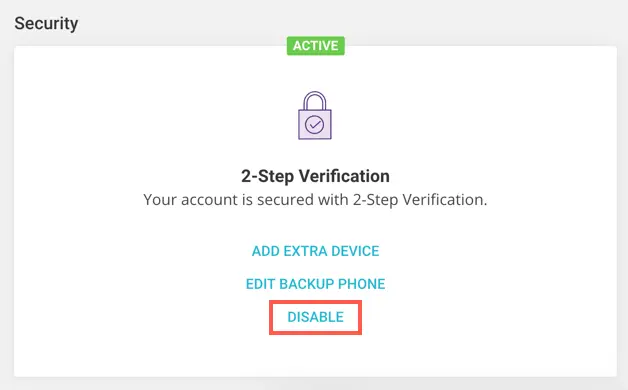
Check the status of Two-Factor Authentication (2FA).
5a. If 2FA is enabled, click Disable and follow the prompts.
5b. If 2FA is already disabled, no further action is required.