Once your Local Service Ads are live, you will need a way to check on your stats/leads, etc.
In order to do this, please email your strategist/advisor and ask them to add you by your email of choice as a user on your Local Service Ads. (preferably use your personal gmail as you will be accessing this via your mobile phone in the App)
Next, download the Local Services Ad App from the app store:
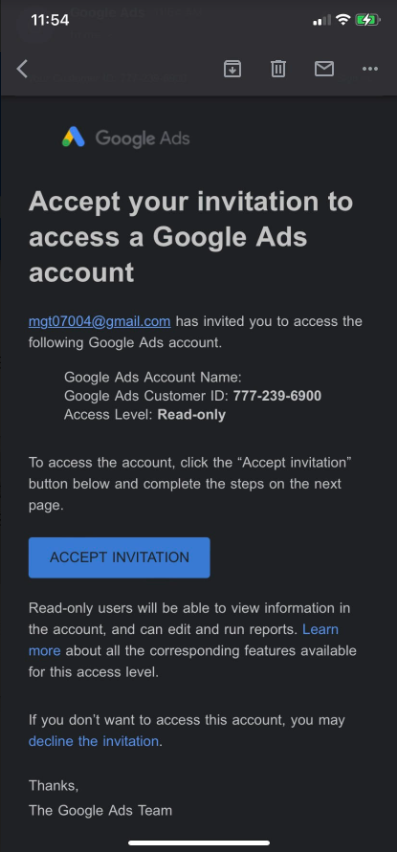
You will get an email with an invite when your strategist has added you as a user to your Ads. You will need to accept the invitation and follow the prompt to sign in with your personal gmail.
The app will automatically sign you in via your personal gmail login so you will not need to create a password.
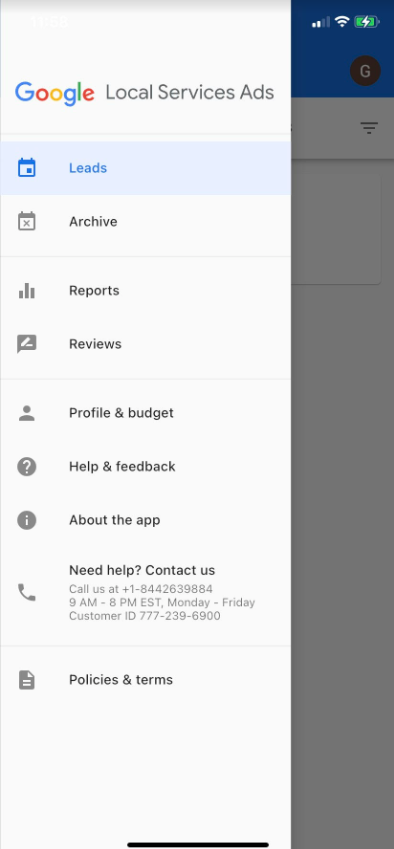
Once you are in, you can navigate around the app by clicking the 3 lines in the top left corner and opening the side dashboard menu:
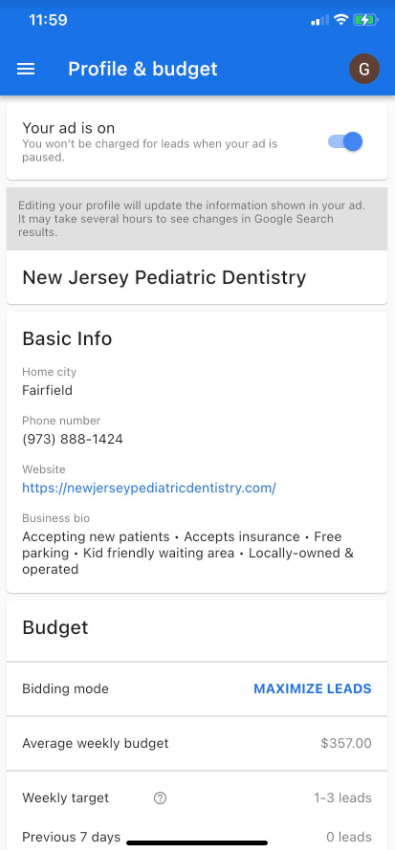
From there, you will have access to view the ad info such as profile & ad spend:
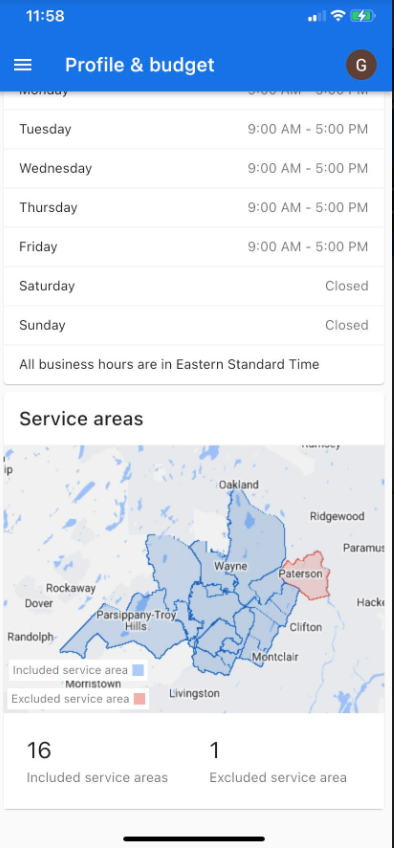
You can view settings of the ad schedule and target areas:
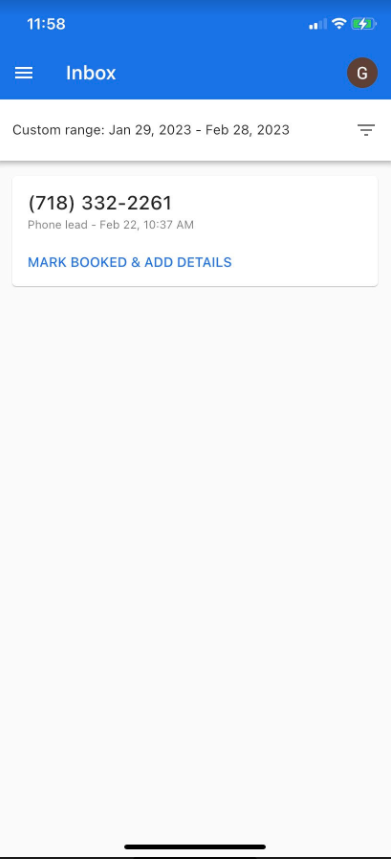
You can view any leads and add any detailed notes about them:
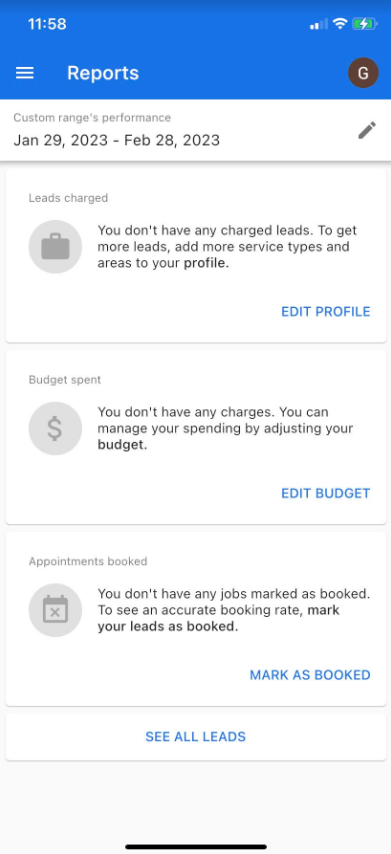
You will have access to view any reports of leads charged, budget spent and appointments booked:
The app will help you stay organized in tracking any leads that come through, any budget that has been spent, asking patients for reviews by sending their review link, and will overall help keep track of new patients scheduling with you.